Changed the rental Wi-Fi password? Update guest instructions
A working router is only half the job. Update messages, house manuals and Wi-Fi cards, then test what the next guest will actually receive.
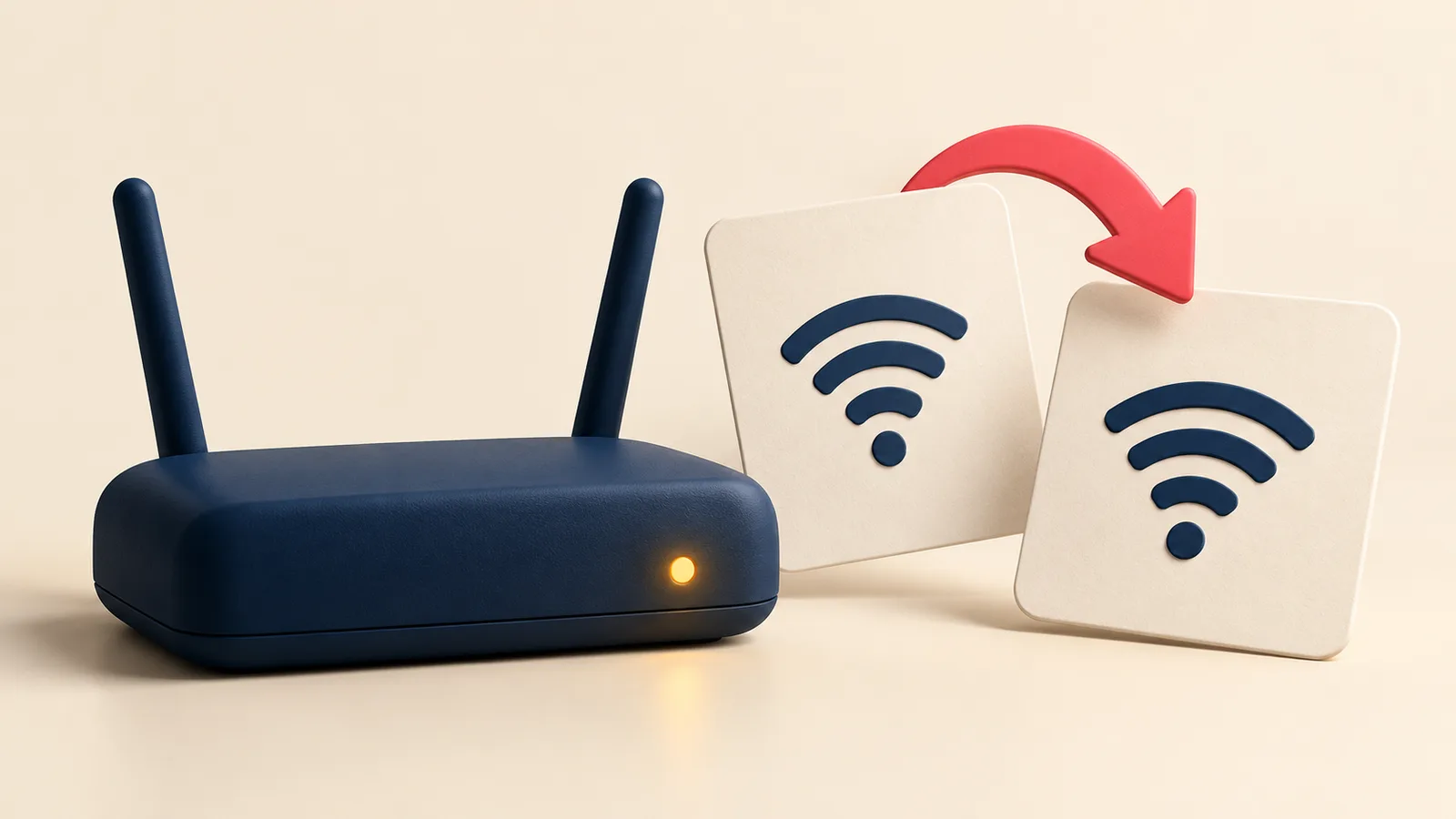
You change the rental's Wi-Fi password, connect your phone and leave. That evening, the guest follows yesterday's arrival message and cannot get online. The router works; the instructions no longer do.
Treat a credential change as a small handover with an owner and a finish check. The plan below covers the information guests receive, rather than choosing a router or measuring speed. The sample message is illustrative and uses placeholders only.
Verify the details guests should use
Record the exact guest network name and its current password in your restricted operational record. Keep the network name separate from the property's nickname: neighbouring apartments can have similar-looking networks. Note which property was checked, who checked it and when.
Distinguish the guest Wi-Fi password from the credentials used to administer the router. Guests need network access, not the router's management login. Airbnb recommends an encrypted guest network and sharing its password only after a reservation is confirmed. Keep working credentials out of public listing descriptions and public blog examples.
Test with a fresh connection to the intended network, not just a phone that was connected before the change. Open a web page after connecting. If you cannot visit, ask the on-site person to report the network they selected and whether the supplied details worked; do not accept “the router light is on” as the entire check.
Find every copy of the old instruction
Make a short inventory for this property. The following are different places to correct, not alternative ways to perform the same update.
| Place | What to check |
|---|---|
| Arrival message template | Every language and any property-specific version |
| Platform house manual or arrival information | The saved details guests can actually access |
| Digital house manual | The live page, plus downloaded or attached copies |
| Printed card or Wi-Fi QR code | The card physically present in the home |
| Messages already sent | Guests whose stay overlaps or follows the change |
A QR code may contain the network credentials directly, or it may open a web page. For a code containing the credentials, generate and test a replacement. For a page link, update the destination and test the actual scan. A newly edited PDF on your laptop does not replace the old printout beside the router.
On Airbnb, the house manual can be edited through the Arrival guide, and access is limited to confirmed guests. Check any separate Wi-Fi details in the platform as well. For the wider choice of formats, see our digital guidebook guide.
Separate future templates from past messages
Updating a template helps the next message composed from it. It does not alter a message, attachment or screenshot the guest already has. Review current stays and upcoming arrivals that received the old information, then send the correction in the existing reservation conversation.
An illustrative correction could read: “The guest Wi-Fi details have changed. Please use [guest network name] with [current guest password]. These replace the Wi-Fi instructions sent earlier. If you cannot connect, reply here so we can help.” Fill and verify both placeholders privately before sending. Avoid adding unrelated arrival details that could make the correction hard to spot.
In RentTools, message templates belong to a property and can help keep reusable wording together. Copy the checked message into the relevant guest conversation. Do not assume a template sends itself or updates Airbnb. In the current reservation message preview, {{wifiPassword}} is not populated with the property's live password: insert the verified details yourself and read the final text before copying it. A blank field is not a completed instruction.
Account for people and devices already using Wi-Fi
If a guest is staying, coordinate a planned change with them before disconnecting their access where circumstances allow. If the change is urgent, explain what changed and how to reconnect through the reservation conversation. Do not promise uninterrupted service while making a change that can interrupt it.
Check equipment that depends on the affected network. Google's Nest Wifi and Google Wifi guidance says devices disconnect after a password change until their saved password is updated. Follow the instructions for your own equipment; that guidance is not a reason to factory-reset every device.
If entry depends on a connected device, verify the guest's access separately. Keep the property's existing fallback available and refer to the self check-in failure checklist if access is uncertain.
Close the change from the guest's point of view
Ask the person checking the home to scan the card left there, connect and open a page. Then read one final outgoing message for the correct property and language. Confirm the live manual agrees with it and that affected guests received a correction.
Record the completion time and who owns any unfinished replacement. As a next step, open this property's message templates in RentTools, inspect the arrival wording and remove stale details before preparing the next guest's message. Finish with what the guest will receive, rather than the settings screen that started the work.
Keep reading
Guest arrived before cleaning finished? A host's plan
An early arrival is not a readiness check. Confirm the agreed time, protect the turnover and give the guest a clear update before approving access.
No hot water at your Airbnb: a host's response plan
A practical host workflow for a hot-water outage: confirm the fault, communicate clearly, protect the next arrival, and document repair and refund decisions.
Airbnb rating recovery math: how many 5-stars erase one bad review
A single low review dents your Airbnb rating in seconds; climbing back is fixed math — how many 5-star stays it takes to erase one, by listing size.
Airbnb guest refund math: how much to comp when a stay goes wrong
A severity formula for mid-stay refunds — affected nights times nightly rate times an impact factor — with four worked scenarios and the platform rules that override a lowball.
Vrbo Premier Host requirements: the four thresholds and what the badge actually moves
The four Vrbo Premier Host thresholds, the search-rank lift the badge actually delivers, the acceptance-rate trap that costs most badges, and when chasing it stops paying.
Self check-in failed: a host's playbook for the 11pm key emergency
The lockbox jams, the smart lock goes offline, the guest can't read the code. A field-tested procedure for the first 15 minutes, the next hour, and the after-action that keeps your listing alive.
Comments
Sign in to comment.
- No comments yet.