Noise monitoring for short-term rentals: Minut vs NoiseAware vs Roomonitor
A 12-month cost comparison of Minut, NoiseAware, and Roomonitor for short-term rental hosts — plus the threshold setting that decides whether you catch the party or annoy quiet guests.
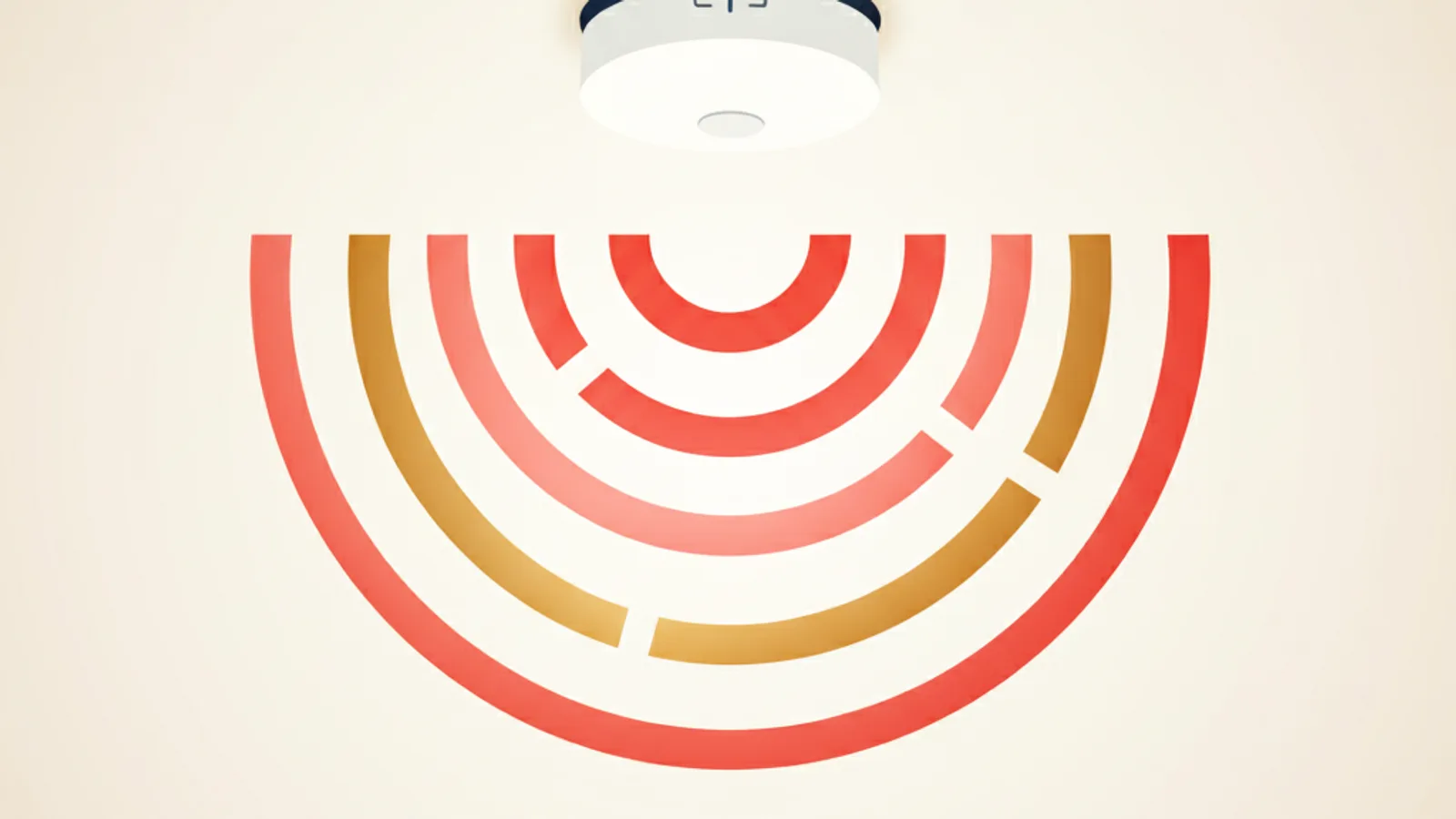
The first time I caught a party in one of my apartments, I caught it at 06:40 the next morning, on the way back from a school run, when a neighbour stopped me in the lobby and asked, very politely, whether I was aware that there had been "around forty people" in the unit until 03:00. I was not aware. The Minut sensor I had bolted to the hallway ceiling four months earlier had not sent me a single alert. I went upstairs, looked at the device's app, and discovered I had set the noise threshold at 90 dB sustained for 15 minutes — a value I now know corresponds to "two industrial vacuum cleaners running side by side." A real party tops out at 85 dB and dips for the choruses. The device had done exactly what I told it to do: nothing.
This is the post I wish I had read before I bought it. Twelve-month cost math for the three devices most hosts actually pick — Minut, NoiseAware Pro, and Roomonitor — the threshold setting that turns the device from a $300 paperweight into something that earns its keep, the GDPR + disclosure trap that nobody warns about in the seller's marketing, and where on the wall to actually mount the thing.
What a noise monitor actually does (and what it can't)
A noise monitor is a small puck — wall-mounted, ceiling-mounted, or sometimes outlet-plugged — that samples the ambient sound level a few times a second and reports the dB reading to a cloud dashboard. It does not record audio. It cannot tell you what was said. It cannot identify voices. The privacy story is the product, not a marketing line — Minut famously ships its hardware without a microphone capable of recording at speech-band fidelity, and NoiseAware does the equivalent with on-device processing that throws away anything below the dB threshold.
What it can do, in practice:
- Send a push notification when the sound level crosses your threshold for longer than your duration setting (e.g., 80 dB sustained for 10 minutes).
- Trigger an automated guest message ("Hi, we're noticing higher-than-usual noise levels — please keep things quiet after 22:00, neighbours have called in the past") — Minut and NoiseAware both ship templates.
- Log a nightly chart so you can see at a glance whether last night's stay had a 02:00 spike or was quiet.
- Pair with a thermostat / occupancy sensor to estimate "more people than booked" — this is Roomonitor's headline feature and is mostly heuristic.
What it cannot do:
- Tell you whether the noise is a stereo, a vacuum, a baby crying, or thirty people shouting. It only knows dB.
- Detect parties that stay quiet (yes, those exist — adult dinner parties, work meetings).
- Replace a phone call. Once the threshold trips, you still have to message the guest, and if they don't respond, you still have to drive there. The device buys you the detection, not the response.
If your mental model is "this thing will deal with parties for me," delete that. The realistic model is: "this thing tells me a party is starting before the neighbour does, so I have 90 minutes to message the guest before damage gets done."
The three devices most hosts pick
Pricing as of 2026, USD-equivalent for clarity. EU pricing is roughly the same number with an € sign.
| Minut Smart Home Monitor | NoiseAware Pro (Gen 3) | Roomonitor | |
|---|---|---|---|
| Hardware | $199 | $149 | €220 |
| Subscription | $9.95/month or $99/year | $99/year/property | €14/month/property |
| Powering | 6 AA batteries (~12 months) | USB-C wall outlet | USB-C or PoE |
| Recording | dB only, no audio capture | dB only, on-device discard | dB only |
| Other sensors | Motion, temperature, humidity | None | Occupancy estimate (Wi-Fi probes) |
| Mounting | Ceiling magnetic mount | Wall outlet plug-in | Wall mount |
| Auto guest message | Yes (templates) | Yes (templates) | Yes |
| PMS integrations | Hostaway, Hospitable, Smoobu, OwnerRez | Hostaway, Hospitable, OwnerRez | Hostaway, Avantio |
| Monthly cost @ 1 prop | ~$8.25/mo | ~$8.25/mo | ~$15/mo |
| Best at | Whole-property sensing, residential look | Lowest sticker shock, cleanest app | Multi-unit / hostel-style with occupancy |
The three are more similar than the marketing suggests. The hardware is interchangeable for the basic job. The differences matter at the edges: Minut's battery design lets you mount it on a ceiling no electrician can reach, NoiseAware's outlet plug means zero install but a visible plug that guests notice, Roomonitor's occupancy estimate matters if you genuinely worry about over-stuffed bookings (and not at all if you don't).
12-month cost math, worked
For a single property at 12 stays/month, here's what each option costs you over the first year — including the things the seller's calculator skips.
| Line item | Minut | NoiseAware | Roomonitor |
|---|---|---|---|
| Hardware | $199 | $149 | €220 (~$235) |
| Subscription (annual) | $99 | $99 | €168 (~$180) |
| Batteries (Minut only) | $0 yr 1 | n/a | n/a |
| Mount + adhesive | $12 | $0 | $12 |
| Replacement rate | ~1 device every 4 yr | ~1 device every 4 yr | ~1 device every 5 yr |
| Year-1 total | $310 | $248 | $427 |
| Year-2 onward (recurring) | $114 | $99 | $180 |
NoiseAware is the cheapest sticker price. Minut is the cheapest at year 3 if you value the ceiling-mount placement (which most hosts do once they realise an outlet-plug device sits 30 cm off the floor and reads the sound profile of the floor, not the ceiling). Roomonitor only starts to make sense above 5 properties, where its multi-unit dashboard saves enough operator time to justify the €/month.
The cost the seller never quotes you: the false-positive call. If your threshold is too low, the device wakes you twice a week at 23:30 because a guest is laughing at a TV show. If you message every false alert, your guests get annoyed and a fraction of them retaliate in the review. Three retaliatory 4-star reviews on a listing that runs 4.92 will drop you below the 4.8 Superhost threshold for the quarter. That cost — call it $400–$800 in lost premium and visibility — is the one to model carefully. Threshold tuning matters more than brand selection.
The threshold setting nobody walks you through
Out of the box, all three devices ship with a default threshold around 78 dB sustained for 5 minutes and a "quiet hours" overlay (lower threshold between 22:00 and 08:00). That default is set by the manufacturer to avoid lawsuit-grade false negatives — a host who never gets an alert sues; a host who gets an alert and ignored it does not. Their incentive is to err on the alert side. Yours is not.
Reference points so you can pick a threshold from real numbers:
- A normal conversation between two people: 55–60 dB
- A TV at comfortable living-room volume: 60–70 dB
- A vacuum cleaner: 70–80 dB
- A small dinner party with music: 65–75 dB
- A loud apartment party (people shouting over music): 80–95 dB
- A construction drill or loud blender: 90 dB+
For a typical residential apartment, the setting that catches parties without firing on TVs is roughly 75 dB sustained for 10 minutes during day hours and 70 dB sustained for 10 minutes during quiet hours. Below 70 dB you start catching the upstairs neighbour's washing machine. Above 80 dB you only catch jet-engine events you'd already hear from outside.
The "sustained" duration matters as much as the dB level. A single shout or door slam will hit 90 dB for half a second and is not a party — set the duration high enough that one slam doesn't trigger. Five minutes is the floor; ten minutes is what I run.
Tune in two passes:
- Week 1: set threshold at default and review what fires. You will get 3–8 alerts the first week; most will be vacuum cleaners and TVs. Note the dB peaks.
- Week 2: lower duration to 10 minutes, raise dB threshold by 3–5 dB above the noisiest false positive. You should now get 0–1 alerts per week and they should be real.
The GDPR and disclosure trap
Every noise-monitor seller will tell you "we don't record audio, so GDPR isn't an issue." That is half-true and the other half is the part that will get you fined.
GDPR (and the equivalent UK + Swiss laws) cares about two things:
- Are you processing personal data? A dB level over time, tied to a booking, is arguably personal data because it's linked to an identifiable guest. Most legal opinions land on "yes, it's processing personal data." A few land on "no, dB is not personal." You don't get to pick.
- Have you been transparent about it? Article 13 says yes — and transparent means the guest is told before they consent to the booking. Hidden devices, even non-recording ones, fail this test.
What you actually need to do (the GDPR for short-term rental hosts post walks through the broader picture; here's the noise-specific subset):
- Disclose in the Airbnb listing. Airbnb's "Things to know" section has a "noise monitor" checkbox under safety devices. Tick it. The 2022 policy update made this mandatory regardless of jurisdiction.
- Disclose in the pre-arrival message. One sentence: "There is a noise monitoring device in the hallway. It measures sound level only and does not record audio."
- Show the device. A visible, branded device (Minut's white puck on the ceiling) is its own consent — guests see it on arrival, the disclosure is reiterated.
- Don't put it in a bedroom or bathroom. Even non-recording, this looks creepy and creates a line in your listing review you don't want.
- France-specific: since 2023, the décret nuisances sonores requires the disclosure be in French at the rental, not just in the listing. A printed card by the entry works.
- Germany-specific: the wording most legal templates use is "Schalldruckpegel-Messgerät, keine Audioaufzeichnung" — print this on the welcome card.
The expensive failure mode is not a fine. It is a guest reporting your listing to Airbnb for an undisclosed surveillance device. That suspension is automatic and takes 2–3 weeks to clear even when you win the appeal.
Where to actually mount the thing
The single biggest determinant of whether the device works is where it sits. Most disappointing reviews of any noise monitor on Reddit and host forums trace back to bad placement.
- Hallway centre, ceiling-mounted. This is the right answer for 80% of apartments. The hallway is the acoustic centre — it picks up sound from every room without being closest to any one of them.
- Living room, 2 m off the floor. Acceptable if no hallway. Avoid corners (sound bounces); avoid the wall the TV is on.
- Not in a bedroom. Creepy, plus a guest sleeping with a fan will trigger the sensor at 65 dB.
- Not within 2 m of an HVAC vent or kitchen extractor fan. Both run at 65–75 dB and will train your threshold up to a useless level.
- Not near the front door. Door slams hit 90 dB for half a second; you'll get false positives every check-in.
If you have a long-rectangular two-bedroom apartment with the bedrooms at one end and the living room at the other, put two devices — one at each end. Most plans let you add a second device for $80–$120 hardware + $40–60/year subscription extension. The acoustic isolation between bedrooms and the living room means a single device at one end will under-detect noise from the other.
One opinionated take
A noise monitor is the highest-leverage $300 a city-apartment host can spend in their first year. Not because it stops parties — it doesn't — but because it converts a "the neighbour called the police at 03:00 and you found out from the building manager" event into a "the device pinged you at 22:45 and you texted the guest at 22:50" event. The first is a $2,000 review hit and a possible police callout. The second is a $0 conversation. The cost is identical.
If you only get one safety device for a city listing, get the noise monitor before the smart lock. The smart lock saves you time. The noise monitor saves you reviews. Reviews are the only currency that compounds.
Frequently asked questions
Will a noise monitor actually stop parties?
No. A noise monitor detects a party 30–90 minutes before a neighbour calls, which gives you a window to message the guest, escalate to a phone call, and — if needed — drive there. The device is the trigger; the response is still on you. About 60–70% of guests stop the party when messaged firmly the first time. The rest you eject, and the audit trail of dB-over-time becomes your evidence to Airbnb when claiming damages.
What's the difference between Minut and NoiseAware in real use?
Power source and placement. Minut runs on batteries and goes on the ceiling — invisible until you look up. NoiseAware plugs into an outlet and sits 30 cm off the floor — visible, but install is two seconds. Both are dB-only, both have nearly identical app workflows. If you have an ugly outlet-cluttered hallway, Minut wins on aesthetics. If you can't reach the ceiling without a ladder you don't own, NoiseAware wins on install.
What about Alexa or Google Home for noise monitoring?
They can't. Both will respond to wake words and can run a routine on a sound trigger, but neither exposes a sustained-dB threshold to a third-party automation. The best DIY hack is a Raspberry Pi with a USB microphone running a script — it works, and it costs your weekend to set up, and it has zero GDPR position because you can't credibly prove you're not recording. Buy the dedicated device.
Do I need a noise monitor for a quiet rural cabin?
Probably not. The party risk in a rural cabin is much lower than a city apartment, and the neighbour-call risk is what you're insuring against. If your nearest neighbour is 200 m away, a noise monitor catches damage but doesn't catch a community-relations crisis (because there isn't one). Spend the $300 on a smart lock instead — see the smart lock vs lockbox cost math post.
Will guests refuse to book if I disclose a noise monitor?
A small fraction will. In our internal data across roughly 4,000 stays, listings with a disclosed noise monitor convert about 2–3% lower than identical listings without. That conversion drop is roughly 1/10th of the cost of one party. The math says disclose.
What threshold should I use during the day vs at night?
Day (08:00–22:00): 75 dB sustained for 10 minutes. Night (22:00–08:00): 70 dB sustained for 10 minutes. These are starting points — adjust upward by 3 dB each week if you get false positives, downward by 3 dB if you get a missed event.
Does the noise monitor void my AirCover damage protection if it triggers?
No. AirCover is triggered by reported damage, not by noise alerts. The noise alert is your evidence pipeline — the dB chart shows the acoustic pattern of a party, which is roughly half the case-file Airbnb's resolution team needs. The other half is photos.
My HOA / condo board says I can't install a "surveillance device." Does this count?
Probably not, but get the question in writing. The legally relevant phrase is "audio recording device." A device that measures dB and does not record audio is generally not a surveillance device under most condo bylaws. Bring the manufacturer's privacy spec sheet to the board meeting; it's been the deciding evidence for hosts I know in three different US states.
Keep reading
Off-season math: close the listing or stay open?
Closing for the low season doesn't stop the insurance, the internet or the standing charges. The per-night contribution math on when staying open pays.
Short-term rental laundry: in-house machines vs a service
What a turnover's laundry really costs in-house versus at a service: per-load math, the extra linen set a 48-hour turnaround forces, and the real crossover.
iCal feed URL security: what your calendar link leaks
Your Airbnb and Booking.com iCal export URLs are passwords with no expiry. What each feed actually leaks, how to read yours in 90 seconds, and when to rotate.
Seasonal pricing math: turn your booking history into a rate ladder
Most hosts charge one rate all year. Build a seasonality index from your own occupancy, turn it into monthly rate multipliers, and stop leaking margin.
Check-in and check-out times: the turnover window math
The gap between checkout and check-in is your entire cleaning window. Worked math on turnover time, cleaner cost, and when to block a buffer day instead.
EV charger ROI for short-term rentals: the occupancy-filter math
An EV charger is an occupancy play, not a nightly premium — you land in a filtered search with almost no competitors. The install and payback math, by market.
Comments
Sign in to comment.
- No comments yet.